



7.4: Animating HNN simulations
This example demonstrates how to animate HNN simulations.
Author: Nick Tolley ( nicholas_tolley@brown.edu )
First, we'll import the necessary modules for instantiating a network, running a simulation that we would like to animate, and the class to use for creating the animation.
                            import matplotlib.pyplot as plt  # Needed for display of plotter in Jupyter cells

from hnn_core import neymotin_2020_model, simulate_dipole
from hnn_core.network_models import add_erp_drives_to_jones_model
from hnn_core.viz import NetworkPlotter
We begin by instantiating the network. For this example, we will reduce the number of cells in the network to speed up the simulations.
                            net = neymotin_2020_model(mesh_shape=(3, 3))

# Note that we move the cells further apart to allow better visualization of
# the network (default inplane_distance=1.0 µm).
net.set_cell_positions(inplane_distance=300)
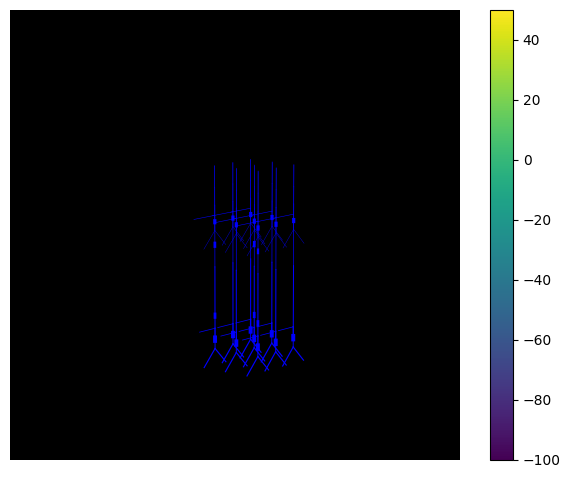
The NetworkPlotter class can be used to visualize the 3D structure of the network.
net_plot = NetworkPlotter(net)
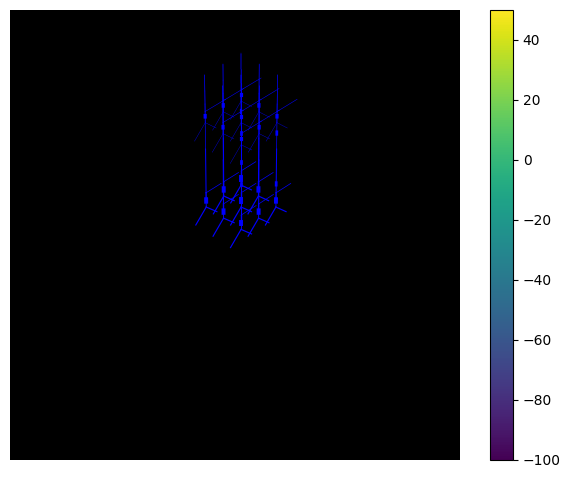
We can also visualize the network from another angle by adjusting the azimuth and elevation parameters.
                            net_plot.azim = 45
net_plot.elev = 40
net_plot.fig
Next we add event related potential (ERP) producing drives to the
network and run the simulation (see the ERP
simulation for more details). To visualize the membrane potential of
cells in the network, we need to pass "record_vsec='all'" to
simulate_dipole(...), which turns on the recording of
voltages in all sections of all cells in the network.
                            add_erp_drives_to_jones_model(net)
dpl = simulate_dipole(net, tstop=170, record_vsec='all')
net_plot = NetworkPlotter(net)  # Reinitialize plotter with simulated network
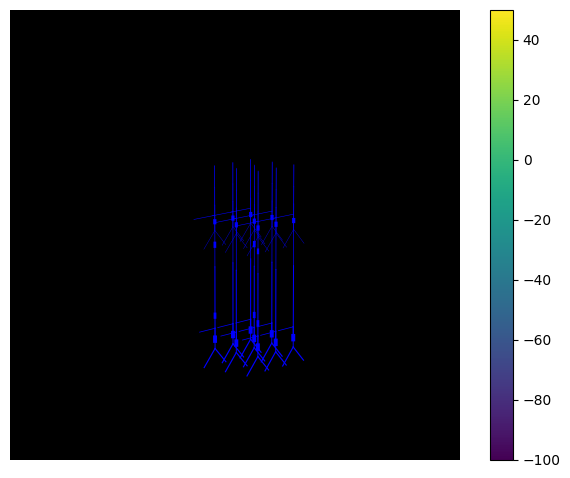
Finally, we can animate the simulation using the
export_movie() method. We can adjust the xyz limits of the
plot to better visualize the network.
                            # # If you want to save the animation to a file, then uncomment the code in this cell.
# net_plot.xlim = (400, 1600)
# net_plot.ylim = (400, 1600)
# net_plot.zlim = (-500, 1600)
# net_plot.azim = 225
# net_plot.export_movie('animation_demo.gif', dpi=100, fps=30, interval=100)